Your Website Might Be Invisible to AI. Here's the 10-Second Test to Find Out.
A lot of websites look finished and are still invisible to ChatGPT, Perplexity, and AI search. Here is a ten-second test any business owner can run to find out if theirs is one of them.
There's a decent chance your website is a blank page to ChatGPT.
Not slow. Not badly ranked. Blank. As in, someone asks an AI assistant to recommend a company that does what you do, the tool goes and looks at your site, sees nothing, and moves on to a competitor it can actually read.
You'd never know, because on your screen the site looks great. That's the trap. The version you see and the version a machine sees aren't always the same page, and plenty of business owners are paying for the first one while quietly losing work because of the second.
The good news is you can check your own site in about ten seconds. No tools, no phone call to your web person. I'll show you how. First, why this happens at all.
Why a finished site can still be empty
When you open a website, your browser does a lot of work you never see. A lot of modern sites, especially ones built fast on popular drag-and-drop and app builders, send your browser a mostly empty file and a pile of instructions, and your browser runs those instructions to draw the page. Text, images, buttons, all of it. It feels instant and it looks complete.
The catch is that it only works because you have a browser doing the assembling. The crawlers that feed search engines and AI assistants mostly don't assemble anything. They ask for the page, they read whatever plain text comes back, and they leave. Google is the exception that learned to run the code. The AI crawlers, as of 2026, have not. GPTBot, the one behind ChatGPT. PerplexityBot. The crawler Anthropic uses for Claude. They grab the raw file, and if that file is basically empty, that's what they keep. There's no second attempt.
So you can have a beautiful, working, fully loaded website that reads like a blank sheet of paper to every AI tool your customers are starting to lean on.
The ten-second test
You don't have to take my word for any of this. You can look at exactly what a crawler sees.
- 01Open your website in a normal browser tab.
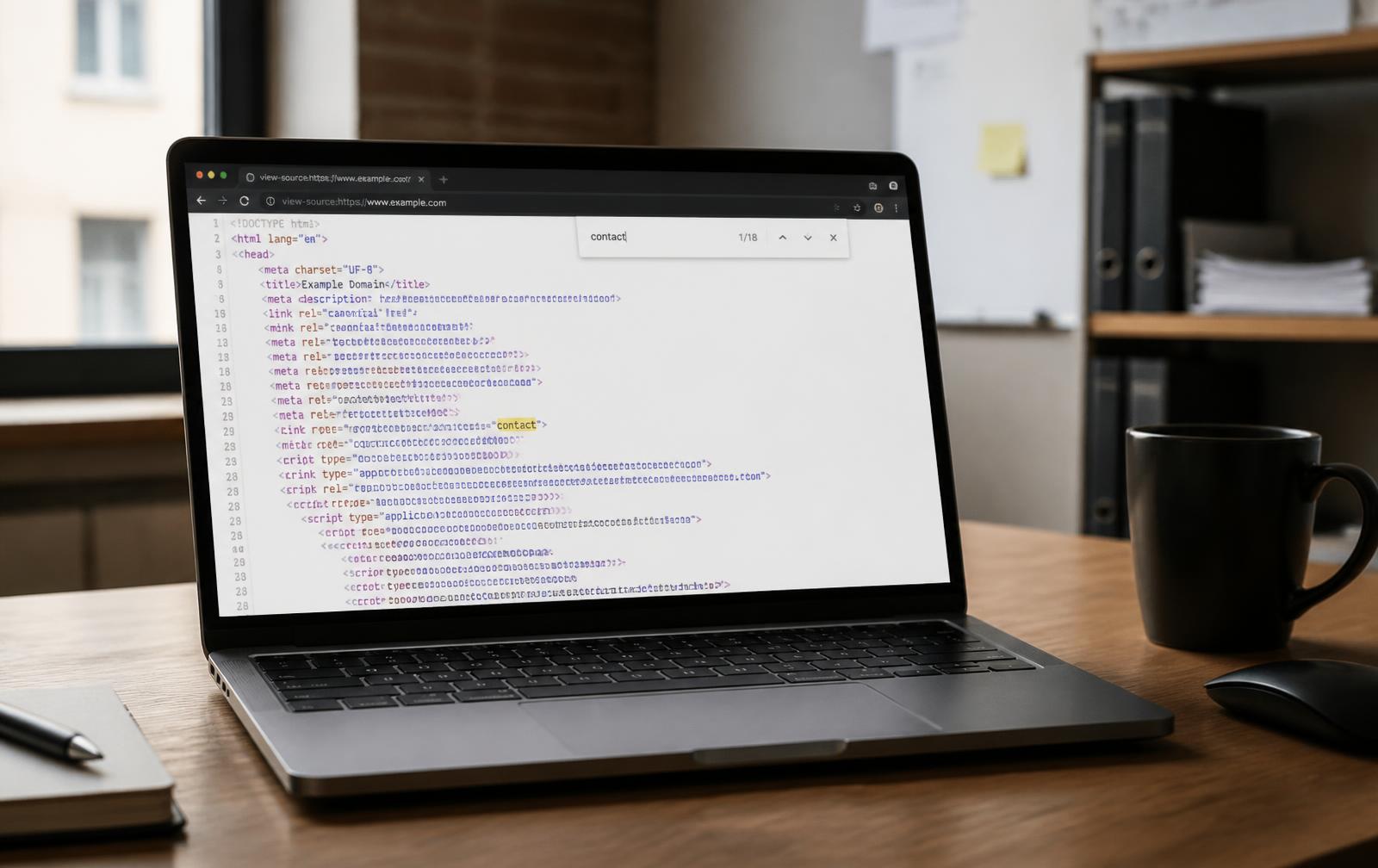
- 02View the raw source. On Windows, press Ctrl and U together. On a Mac, press Command, Option, and U. A new tab opens full of code. You don't need to understand a word of it.
- 03Hit Find (Ctrl+F, or Command+F on a Mac) and type a sentence you can see on your actual page. Your main headline works great, or the first line on your homepage.
Now watch what happens.
If that sentence shows up in the code, you pass. Your words live in the raw file, which means crawlers and AI tools can read them.
If that sentence is nowhere to be found, there's your problem. The words are on your screen but not in the file. A person sees them. A machine doesn't.
Use View Source, not Inspect
Inspect and the developer tools panel show you the page after your browser already did the assembling, so they will show your text even on a site that fails. View Source shows the raw file before any of that happens. That difference is the entire test.
What passing actually looks like
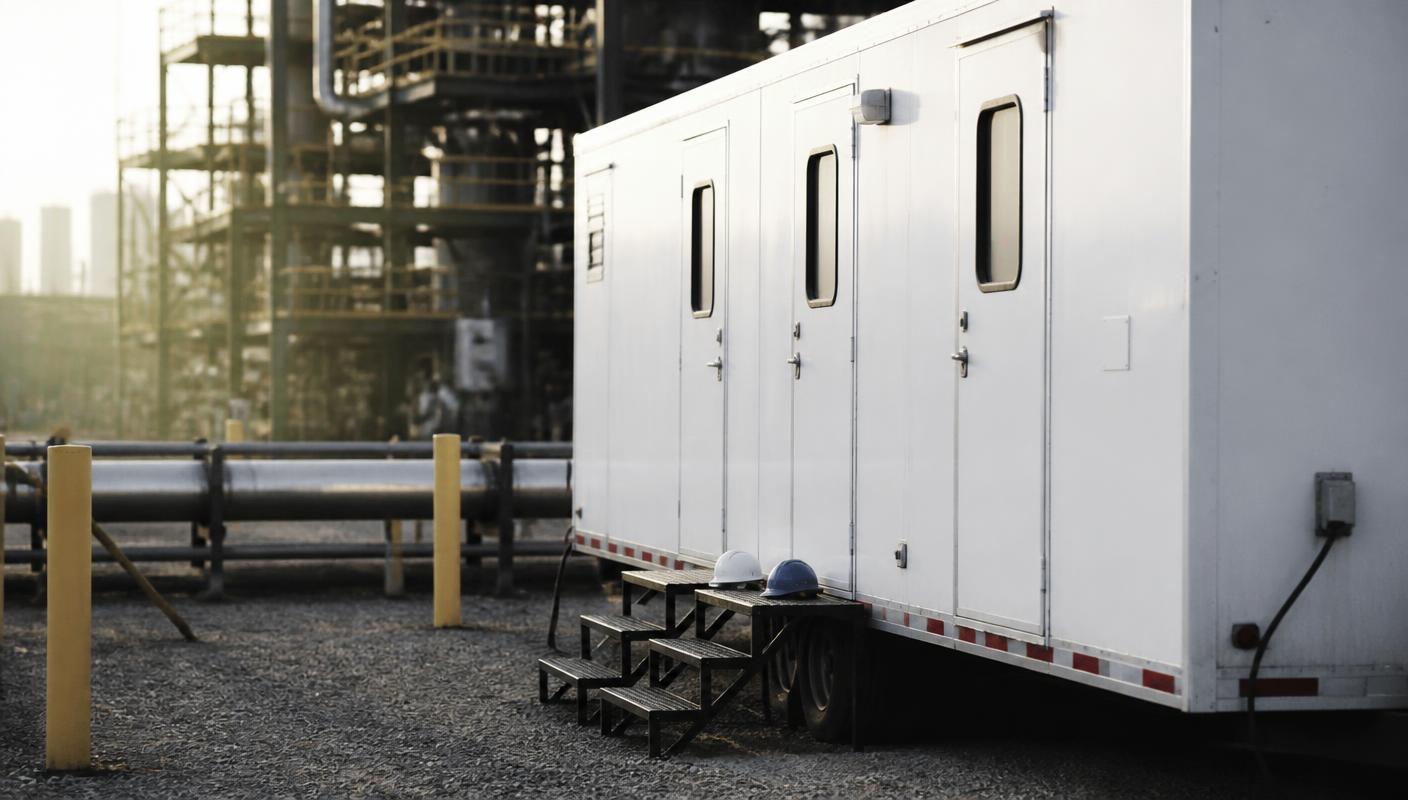
We recently built the web presence for Anvil Rentals, a company that rents climate-controlled trailers to industrial crews. Run the test on their site and every headline, every spec, every model description is sitting right there in the raw source. When somebody searches for that kind of service, or asks an AI which company to call, there's real content for the machine to find and repeat back.
Now picture a site thrown together in a weekend, where the raw source is a few lines of code wrapped around an empty container. Same test, opposite result. One of those companies can turn up in an AI answer. The other one can't, no matter how good it is at the actual work.
Why this costs more than it used to
For years the only worry with this kind of site was whether Google would figure it out. Google mostly did, so people stopped worrying. But the way customers find vendors is moving. More of them start by asking an AI instead of scrolling a page of blue links, and the AI hands back a short list of a few names. If you're not readable, you're not on that list. You're not even in the running, and you never learn why the phone stayed quiet.
For a business that lives on being found, that's real lost work, and the worst kind, because you can't see it happening.
The fix, briefly
If your site failed the test, the fix is real, but it isn't a button you flip in five minutes. The site has to serve its content as finished HTML instead of building it in the browser. Depending on how yours was made, that's either a setting your platform already offers, a small service that sits in front of your site and hands crawlers a finished copy, or a rebuild done properly. Skip the shortcuts people are pushing right now, like dropping one little text file on your site and calling it handled. That hides the problem instead of solving it.
If you passed, good. Plenty of sites we test don't.
Built to pass from day one
At Cellara Growth Co we build sites for service businesses that pass this test from day one, because being found is the whole point of having a website. If yours didn't pass, that's a fixable problem, and it happens to be the kind we fix all the time.
Frequently Asked Questions
How do I test whether AI can read my website?
Open your site, press Ctrl+U on Windows or Command+Option+U on a Mac to view the raw page source, then press Ctrl+F or Command+F and search for a sentence visible on your page. If the sentence is in the source, AI crawlers can read it. If it is missing, they see an empty page.
Why does Inspect show my text when View Source does not?
Inspect and developer tools display the page after your browser has run the site's code and assembled the content. View Source shows the raw file the server sent before any of that happens, which is what search and AI crawlers read.
Do AI crawlers run JavaScript?
As of 2026, the major AI crawlers including GPTBot, PerplexityBot, and Anthropic's crawler read the raw HTML response and do not execute JavaScript to build the page. Google is the exception, since Googlebot renders pages, but AI assistants generally do not.
How do you fix a website that fails the test?
The site has to deliver its content as finished HTML from the server instead of building it in the browser. That means enabling server-side rendering or prerendering if your platform supports it, putting a prerendering service in front of the site, or rebuilding it on a framework that renders server-side by default.
Will an llms.txt file fix AI visibility?
No. Adding a text file does not change what a crawler reads when it requests your pages. If the page content is not in the HTML response, the underlying problem is still there.